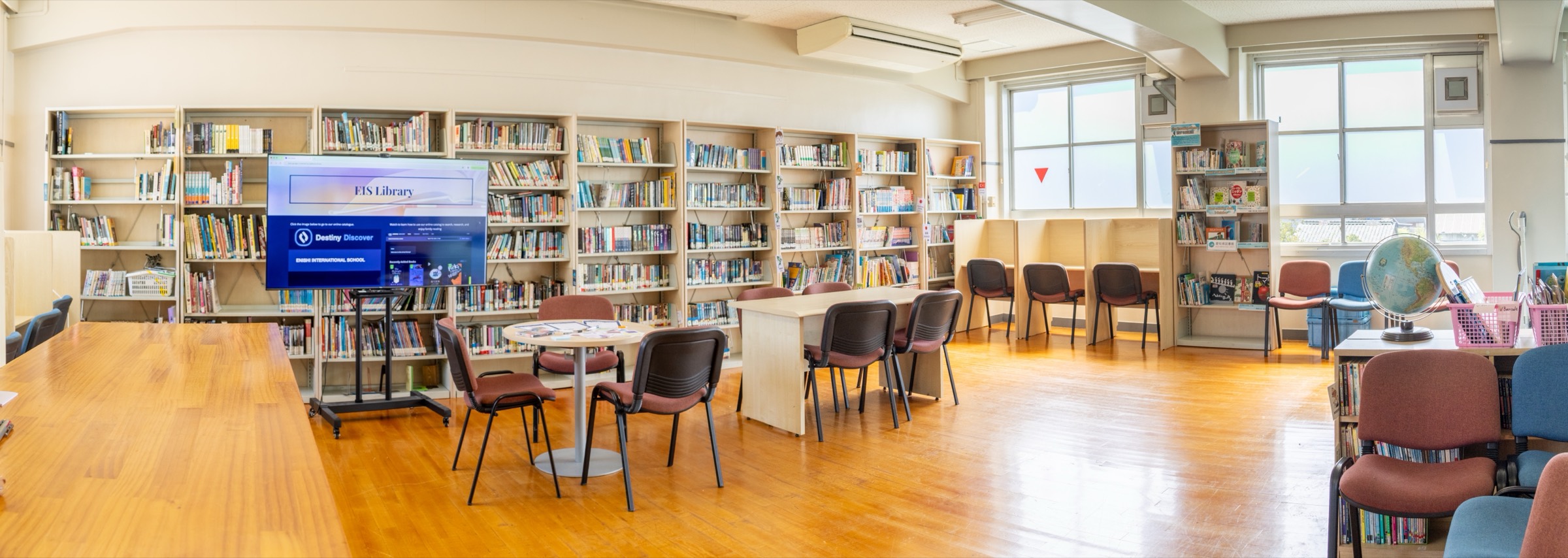
Enishi Library
a center of learning and discovery for our community
Search and research databases
Destiny Discover
Looking for a book? Search on Destiny Discover — both print books in our library and digital resources in our databases.
EBSCOhost
Online research platform for essays, projects, and independent study.
Open EBSCOhost
Access the login details on the Library Portal.
Hours & location
| Monday – Friday | 7:45AM – 4:30PM |
|---|---|
| Weekends & holidays | Closed |
We are located on the third floor in the main building.
Inquiries
Ms. Blue Nguyen
School Librarian
Send an email to Ms. Blue if you need help looking for a book or starting a research project.
Circulation Rules
5
checkout items at a time
14 days
per loan
A due date reminder will be sent through email.
×2
renewals
Log in to your account on Destiny to renew, or ask at the circulation desk.
Lost or damaged
Report a lost or damaged book to the librarian.
Logging in to Destiny
- Open Destiny Discover from the button above.
- Choose Sign in with Google.
- Use your school Google account — the same one you use for email and Classroom. No separate library password.
Once you are signed in you can see your loans, renew them, and place holds.
On your phone
Destiny Discover mobile app
Free on iOS and Android. Search for “Destiny Discover”, pick Enishi International School, and sign in with the same school Google account to read eBooks and audiobooks anywhere.